Fluf@Flufapp · 1hFluf lives on your computer. Your agents, their chats and their memory stay on your machine, on Mac, Windows or Linux.GIF
Fluf@Flufapp · 2hEach agent has its own browser. It signs in, clicks through the site and fills in the forms while you get on with your day.GIF
Fluf@Flufapp · 3hIf a site needs a login only you can do, take over the agent's browser, sign in and hand it back. It carries on from there.GIF
Fluf@Flufapp · 4hTell an agent something once and it goes into its memory. Next week it still knows.GIF
Fluf@Flufapp · 5hSwitch an agent from Claude to GPT in the middle of a chat. It keeps everything it remembered.GIF
Fluf@Flufapp · 6hGive your agent its own Telegram account and message it like a coworker. It replies with the work done.WhatsApp, Slack and Discord work too.GIF
Fluf@Flufapp · 7hRuns on the Claude or ChatGPT plan you already pay for. API keys and local models work too.GIF
Fluf@Flufapp · 8hAdd a second AI account. When the first one hits its limit, the next one takes over mid chat with a summary of where you were.GIF
Fluf@Flufapp · 9hSet a routine once. Every morning at 8 your agent runs it and posts the result in your chat.GIF
Fluf@Flufapp · 10hPut your agents in one group chat. They pass work to each other and you read one update instead of sitting through a meeting.GIF
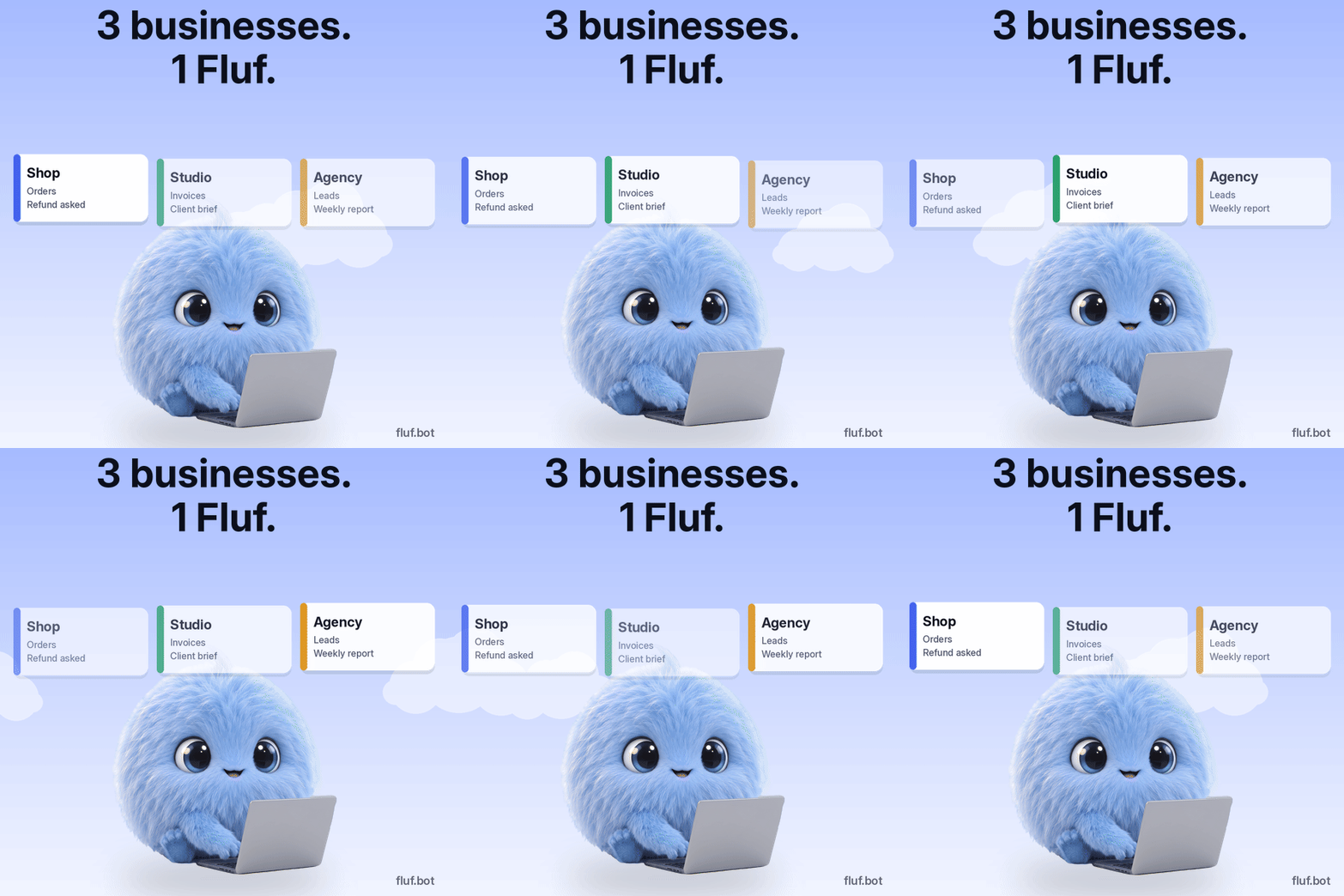
Fluf@Flufapp · 11hThree businesses, one app. Each one keeps its own agents, memory and files, and you switch between them from the sidebar.GIF

 GIFGIF
 GIF
 GIF
 GIF
 GIF
 GIF
 GIF
 GIF
 GIF
 GIF
 GIF
 GIF